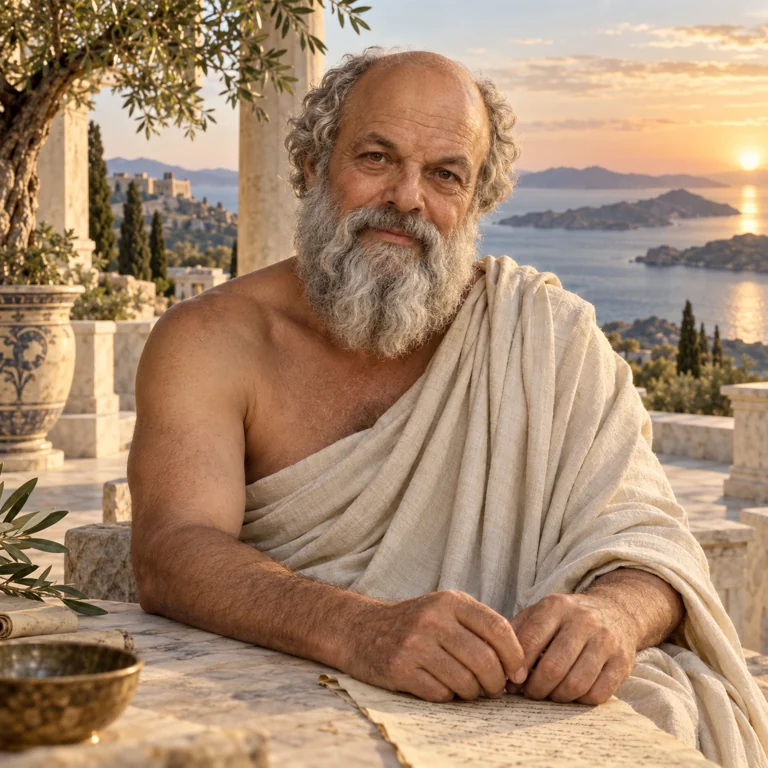
Socrates
Holds the thread, finds the right role and closes the loop.
 ΓΝΩΘΙ ΣΑΥΤΟΝ · KNOW THYSELF
A PERSONAL OPERATING SYSTEM
Your own council. A clearer next step. A record that remembers.
Socratis brings your life and work into one considered space.
Try in your browser. Bring your own words. No account needed for the demo.
PLAIN TEXT. CLEAR CONTRACTS. YOUR OWN LIFE.
Your life is yours. Notes remain portable Markdown. Import an existing vault or start with a few questions.
Every role has a purpose. Nineteen Greek-inspired agents give each kind of work a clear mandate and a hand-off.
Reflection becomes action. Name a pillar, choose a priority, complete a practice and keep the lesson.
THE PANTHEON
Socrates holds the thread. The council helps you ground, imagine, decide and build. Explore their full descriptions and how the work passes between them.
Holds the thread, finds the right role and closes the loop.
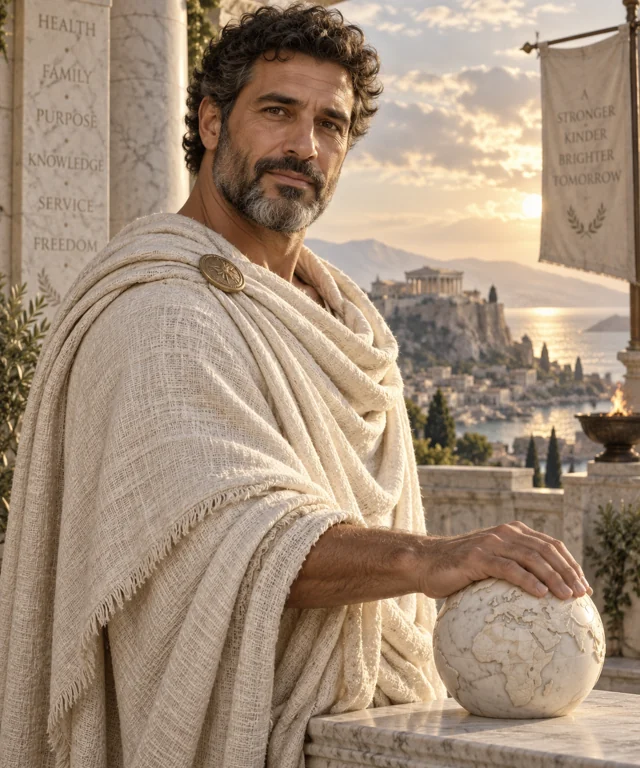
Name your pillars. Make a priority precise.

Give what matters a place in your week.

Return to presence when the day pulls you away.

A RHYTHM, NOT ANOTHER TO-DO LIST
Begin with gratitude, make your vision tangible, find a little energy, and return to presence. Speak a note, review the transcript, or listen to your words. Your practice leaves a living record.
Try a guided practice →Guided practices work locally. Optional live AI and server transcription require a configured connection.
START SMALL. MAKE IT YOURS.
Best set up on a laptop. Equally ready to explore, reflect and demo from your iPad or phone.
Explore Sam Altman, then Elon Musk. The demo badges distinguish public reference material from invented schedules, goals and reflections. No affiliation or endorsement is implied.
Answer five quick questions, import a Markdown vault, or download a blank template. For a richer vault, use the provided interview with your own AI. Your setup remains editable.
Open Socratis Setup →Open Life pillars. Atlas helps you name an area, Psyche explores its meaning, and Athena helps place one priority in your week. Begin with one pillar rather than mapping your entire life.
Complete a short guided session. Speak or type in your own words, review them, and close the session. Find the outcome in The living record; export it as Markdown or back up your workspace.
Settings → AI & integrations explains provider setup. The agent organisation and Automations views show contracts, hand-offs and plans. Actual heartbeat or cron execution runs in your own agent host; the app does not silently schedule jobs.
Explore automations →YOUR COUNCIL, WITH YOU
Open the app in Safari. Tap Share, then Add to Home Screen and Open as Web App if offered. Launch from its new icon.
In the app, open Settings → Install app → Prepare offline demo. Keep it open until all images are saved. Do this separately on each device.
Use Settings → Visibility & demo to hide any distractions. Your selected view and visibility choices are saved on that device. Live AI needs a connection.
ONE LIFE. YOUR WAY OF SEEING IT.
HELP SHAPE WHAT COMES NEXT
Explore, reflect, then tell us what felt useful and what was missing.
Share demo feedback →Responses save on this device for the demo host to export.
Explore Socratis in your browser today. On iPad or iPhone, use Safari → Share → Add to Home Screen.
Native Mac downloads are paused while Developer ID signing and Apple notarization are completed. Keep macOS security checks enabled.